orgOS
Your organizational operating system.
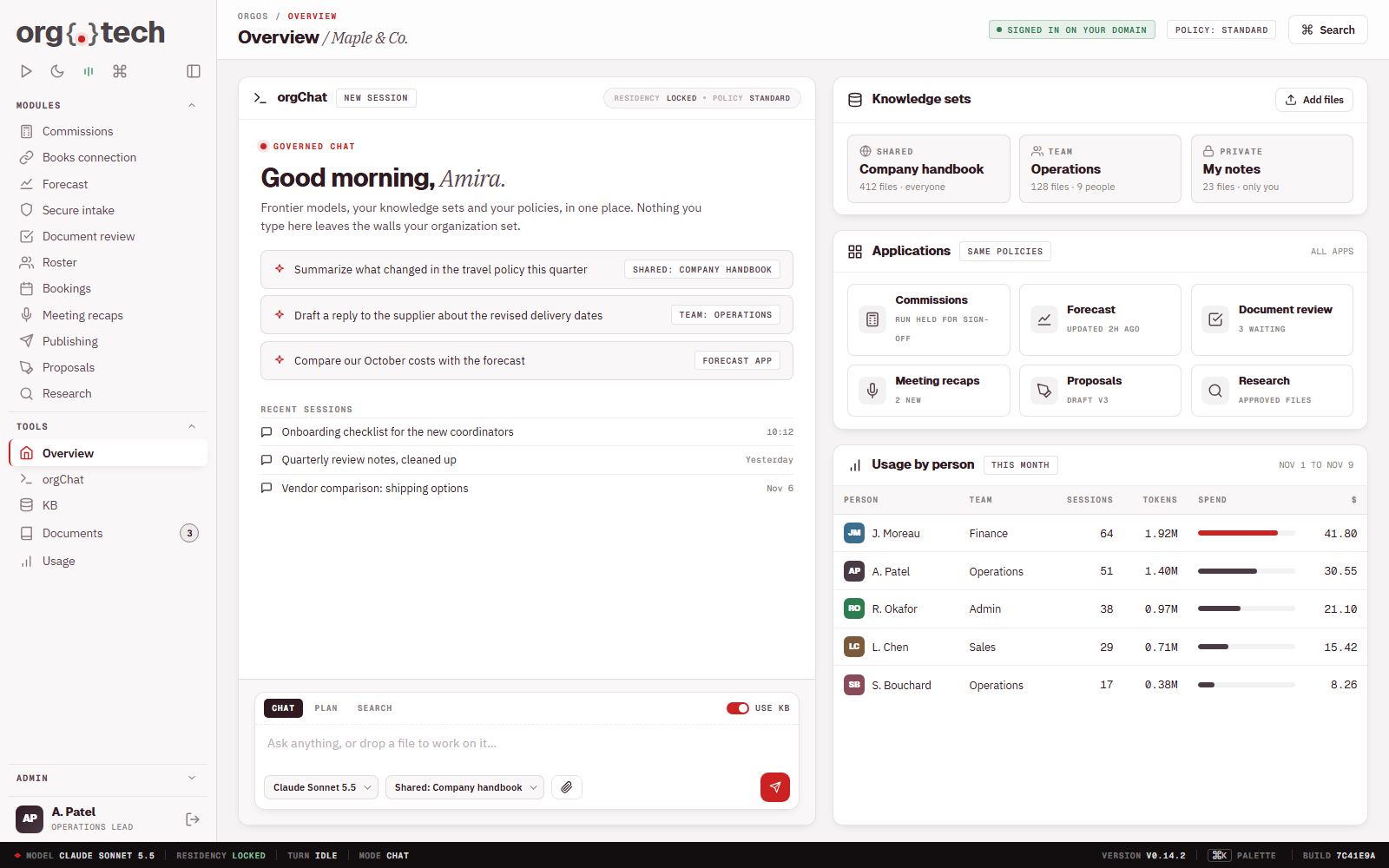
One private home for your organization's AI and software.
- One sign-in on your domain
- Governed chat with frontier AI models
- Knowledge sets for the organisation, a team or one person, off by default
- Every application inside the same policies
- Usage visible by person
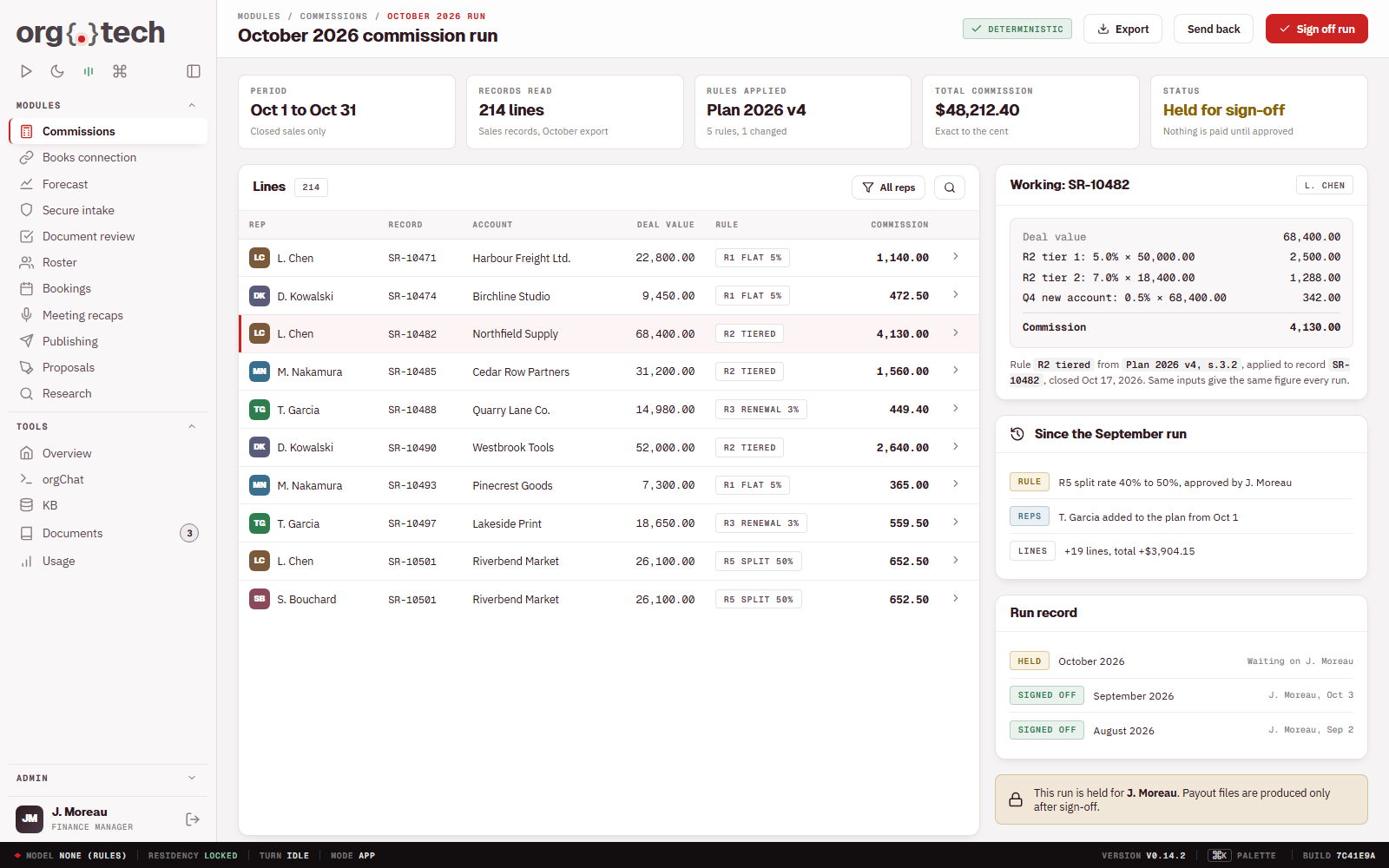
Commission calculation workflow.
Commissions worked out by your rules, signed off before they pay.
- Reads the sales records you choose and applies your commission rules to every line with exact arithmetic
- Shows the working beside each figure, so any line can be traced back to the rule and the record behind it
- Holds each run for a named person, who checks it and signs it off before anything is paid out
- Keeps a record of every run, who approved it and what changed since the one before
- Questions about a payout are answered from the record of the run, not from memory
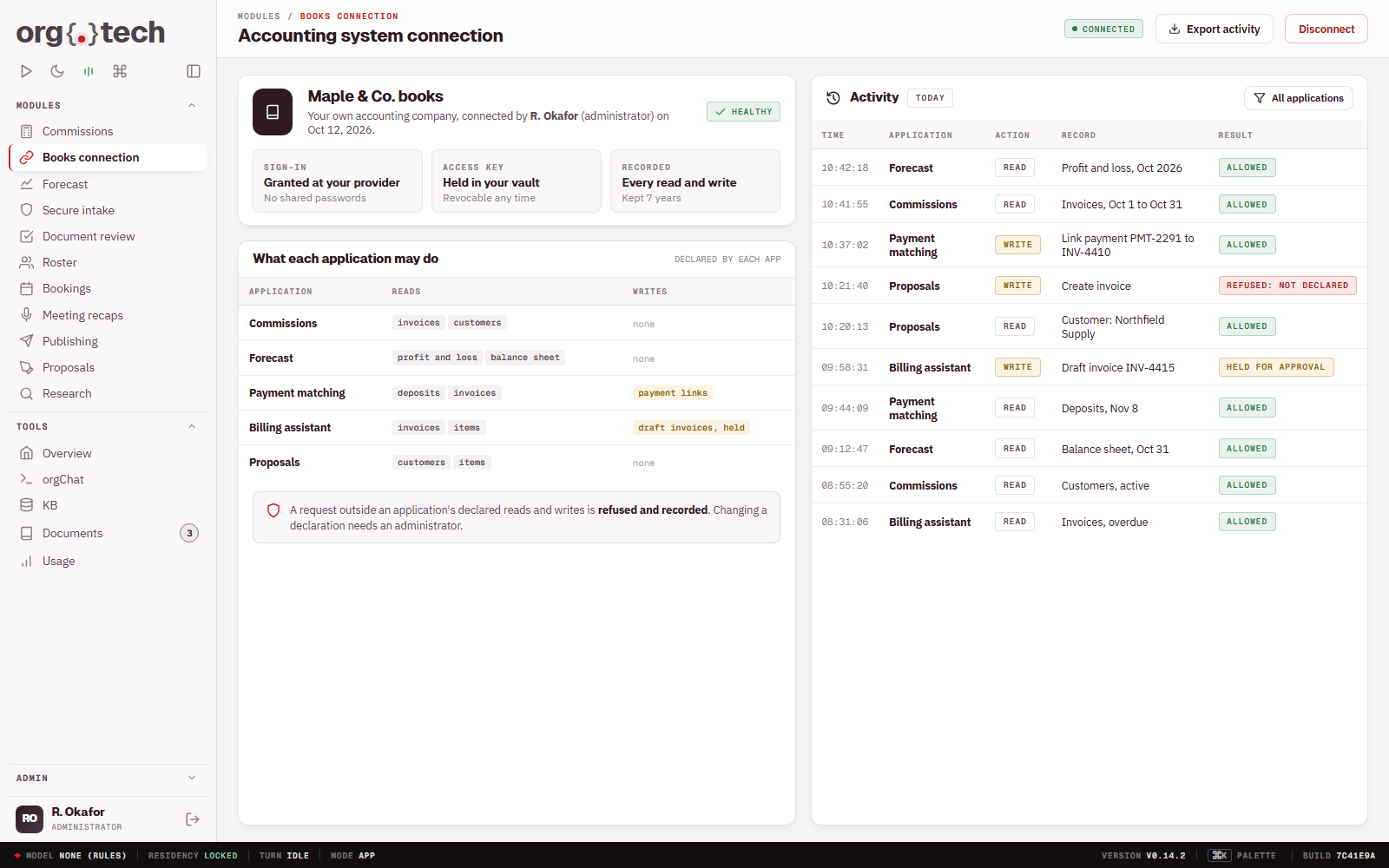
Accounting system connection.
Your applications read and write your books, within narrow limits.
- Your administrator connects your own accounting company
- Only the reads and writes each application declares
- Every action recorded
- No shared passwords
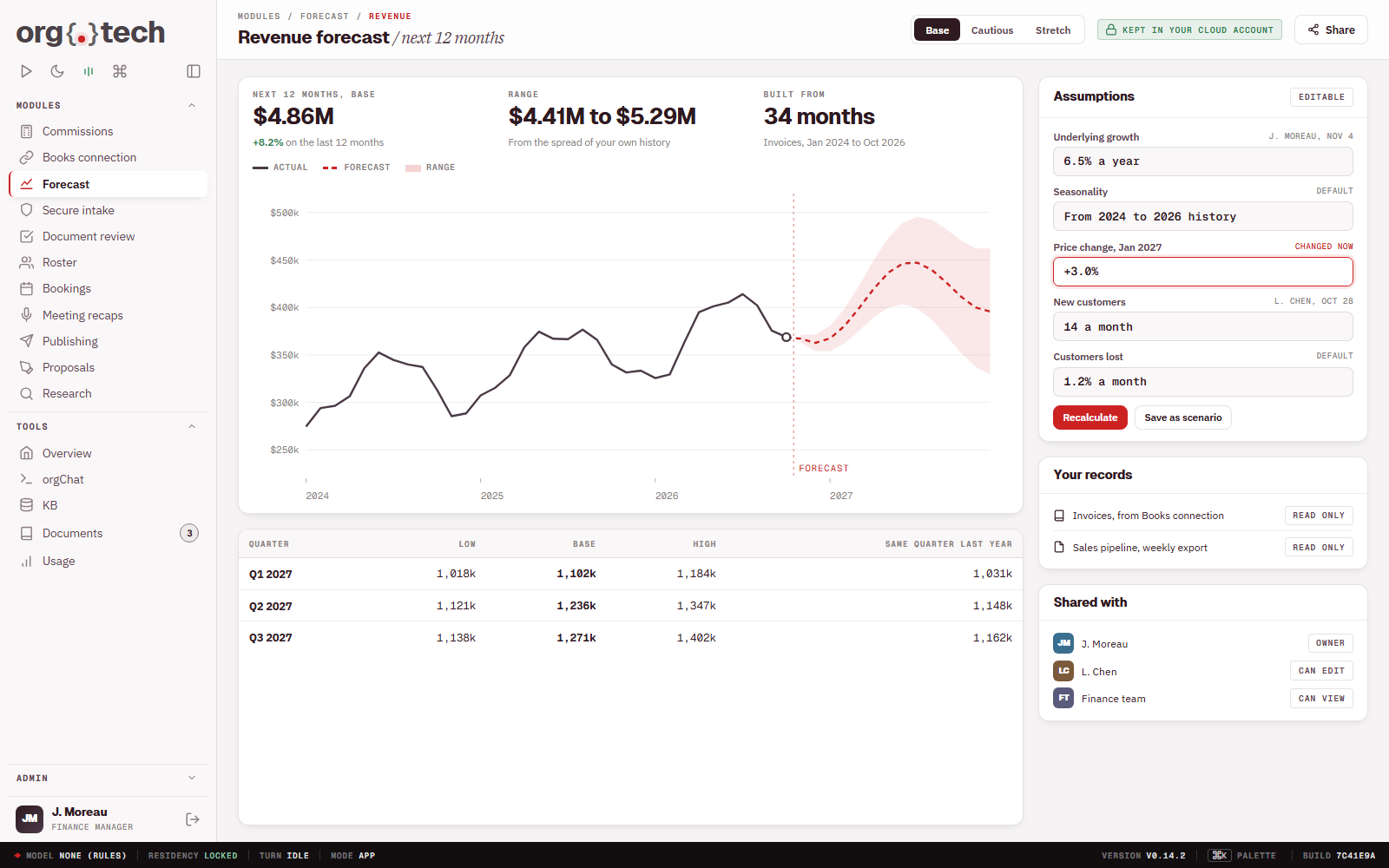
Forecasting from your own records.
Forecasts built on your history, kept in your account.
- Works from your own records
- Assumptions you can see and change
- Stays in your cloud account
- Shared with the people you choose
Payment reconciliation.
Received payments matched to what you expected.
- Deposits matched to expected payments
- Exceptions flagged for a person
- A record of every match
- Ready for your accountant
Screenshot to come
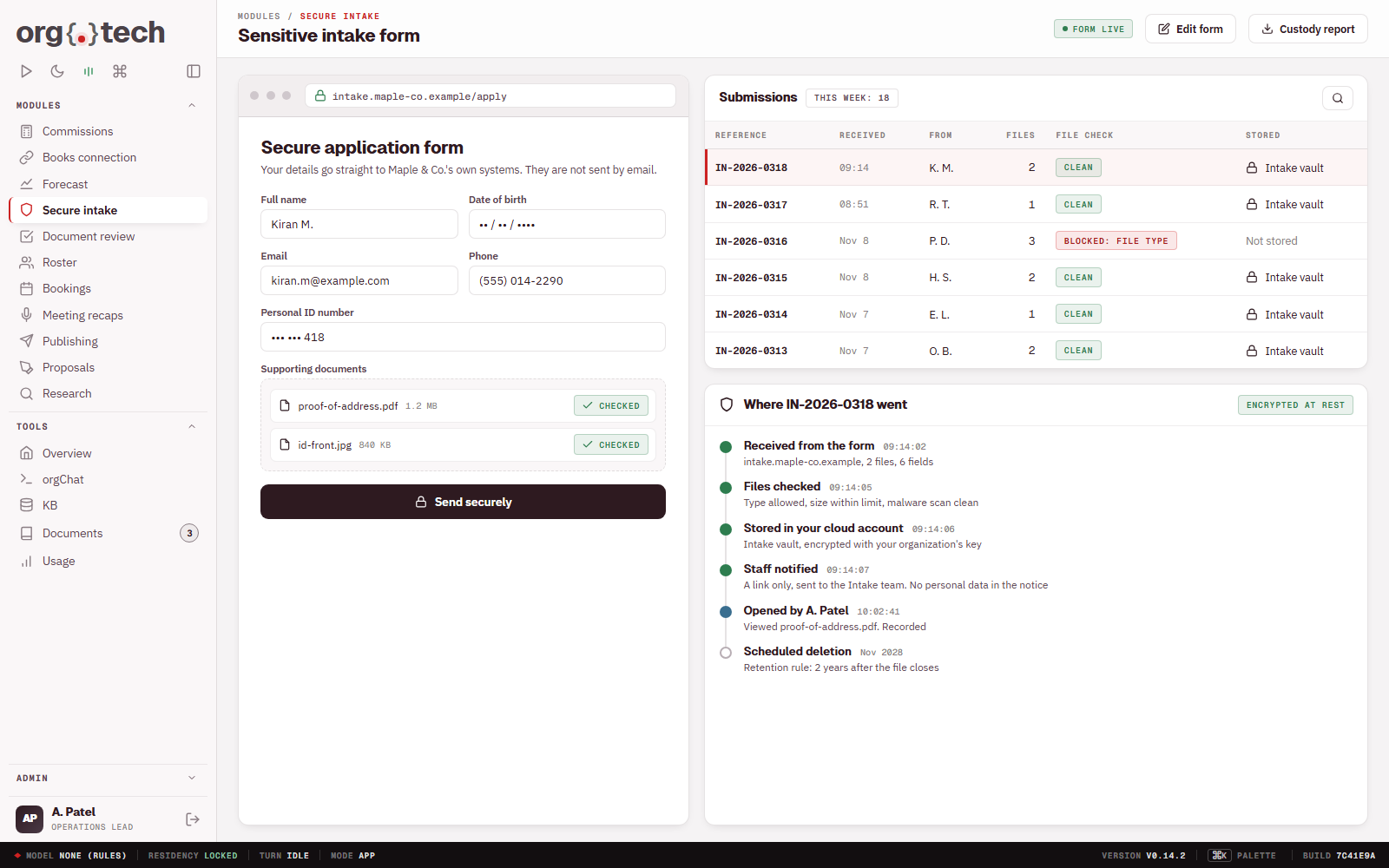
Sensitive intake form.
Personal information arrives in your account, not an inbox.
- A secure form on your domain
- Files checked on upload
- Stored in your own cloud account
- You can show where each file went
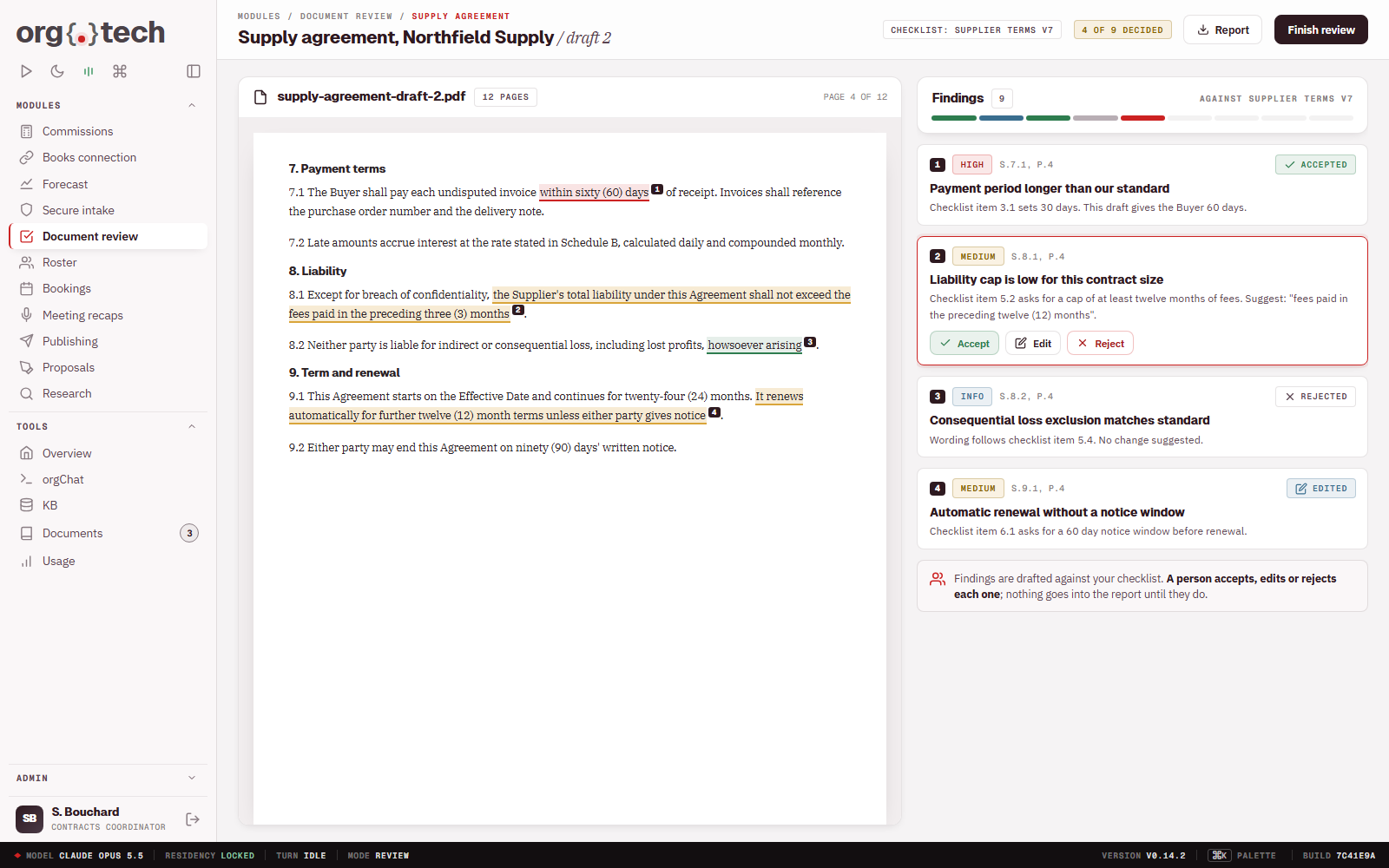
Guided document review.
AI drafts the findings; your reviewer decides.
- Findings drafted against your checklist
- Accept, edit or reject each one
- The same standard every time
- A person makes every decision
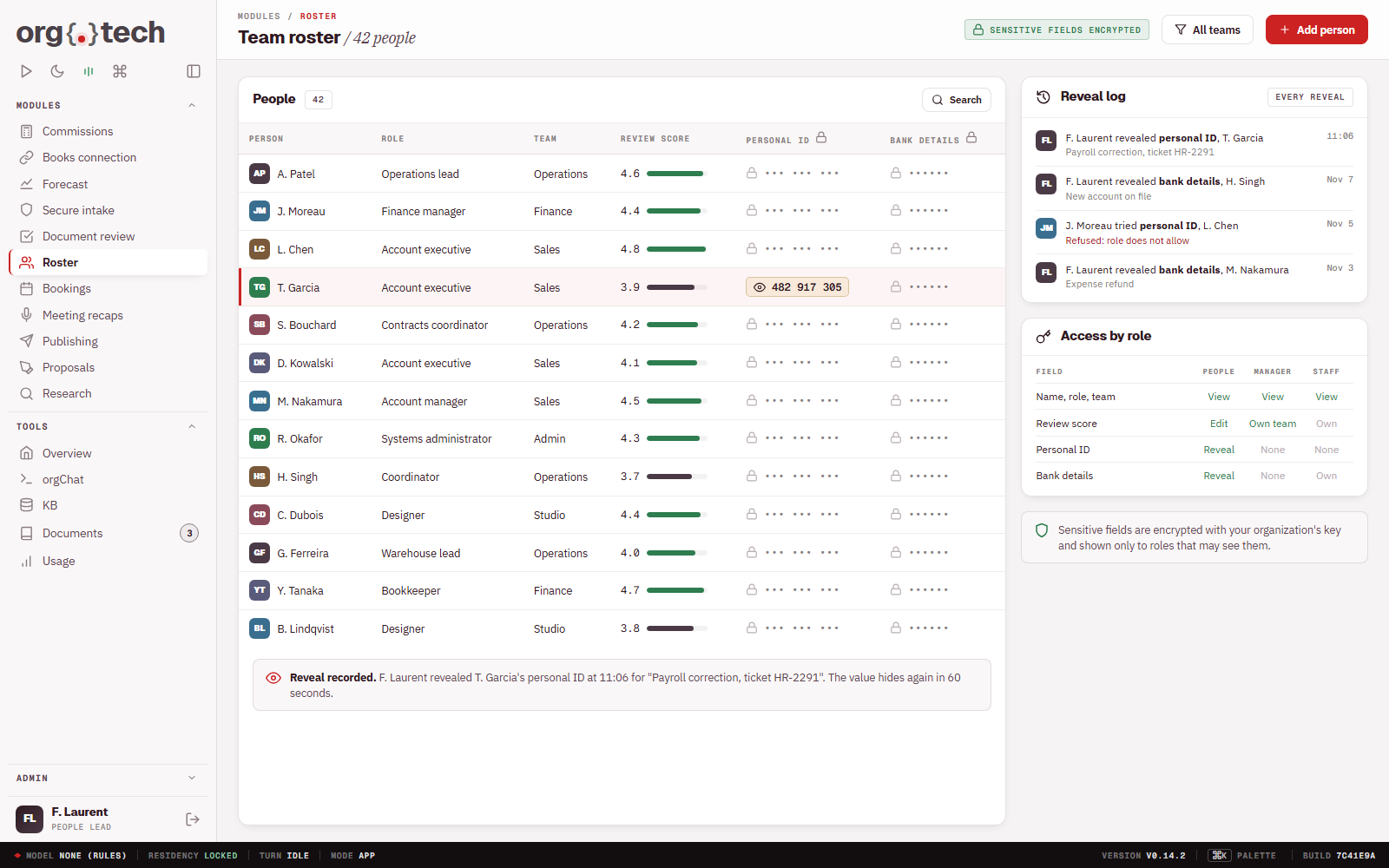
Roster and performance tracker.
Your team's roster and numbers, with sensitive fields protected.
- Roster and performance in one place
- Sensitive fields encrypted
- Every reveal of a protected field recorded
- Access by role
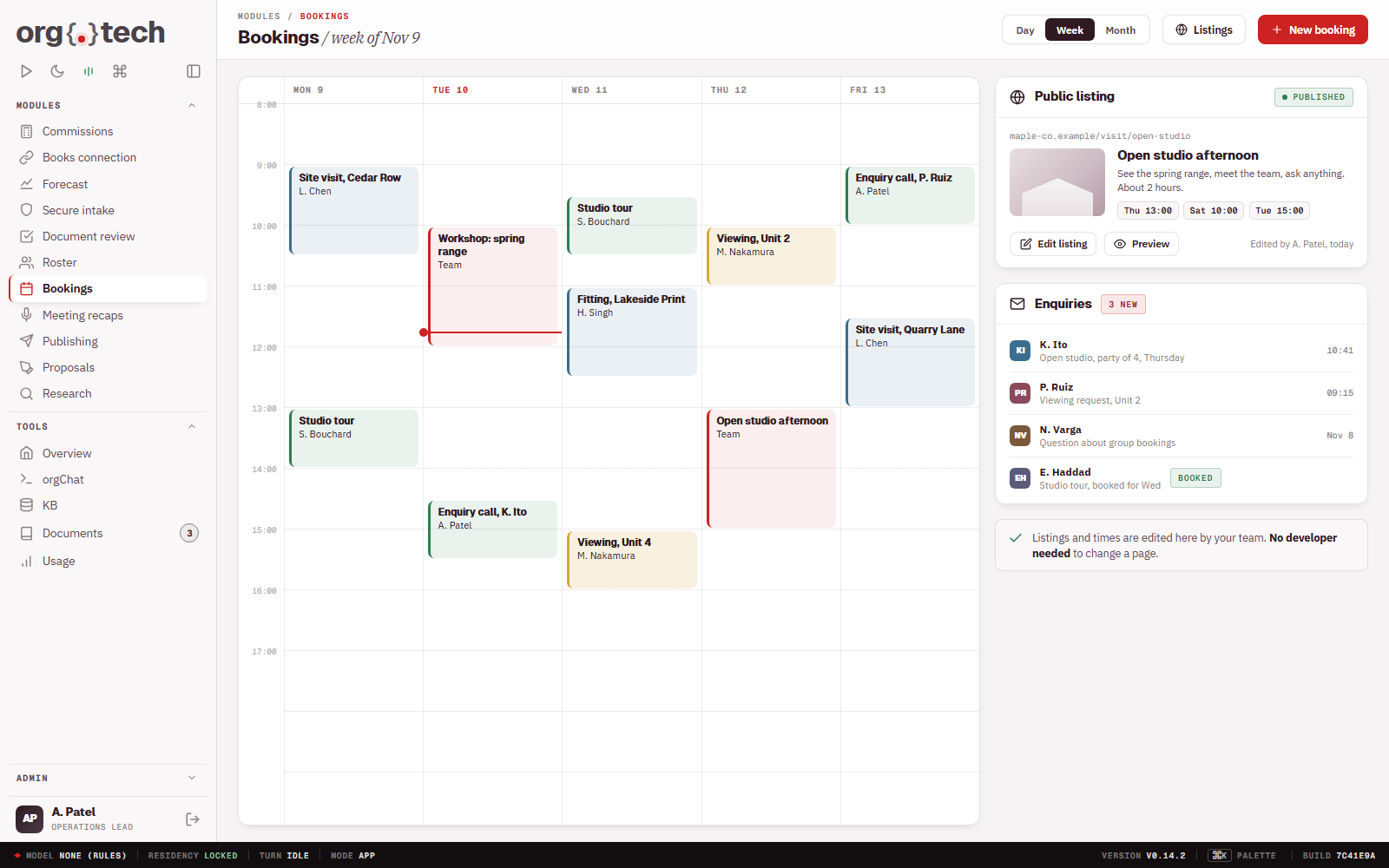
Scheduling and public listings.
Bookings and public pages run from one place.
- Scheduling for your team
- Public listing pages
- Enquiries captured into your account
- Updated without a developer
Request queue.
Every request for change in one prioritized queue.
- Ask in plain language
- Set the priority
- Follow each request to release
- A record of what was asked and done
Screenshot to come
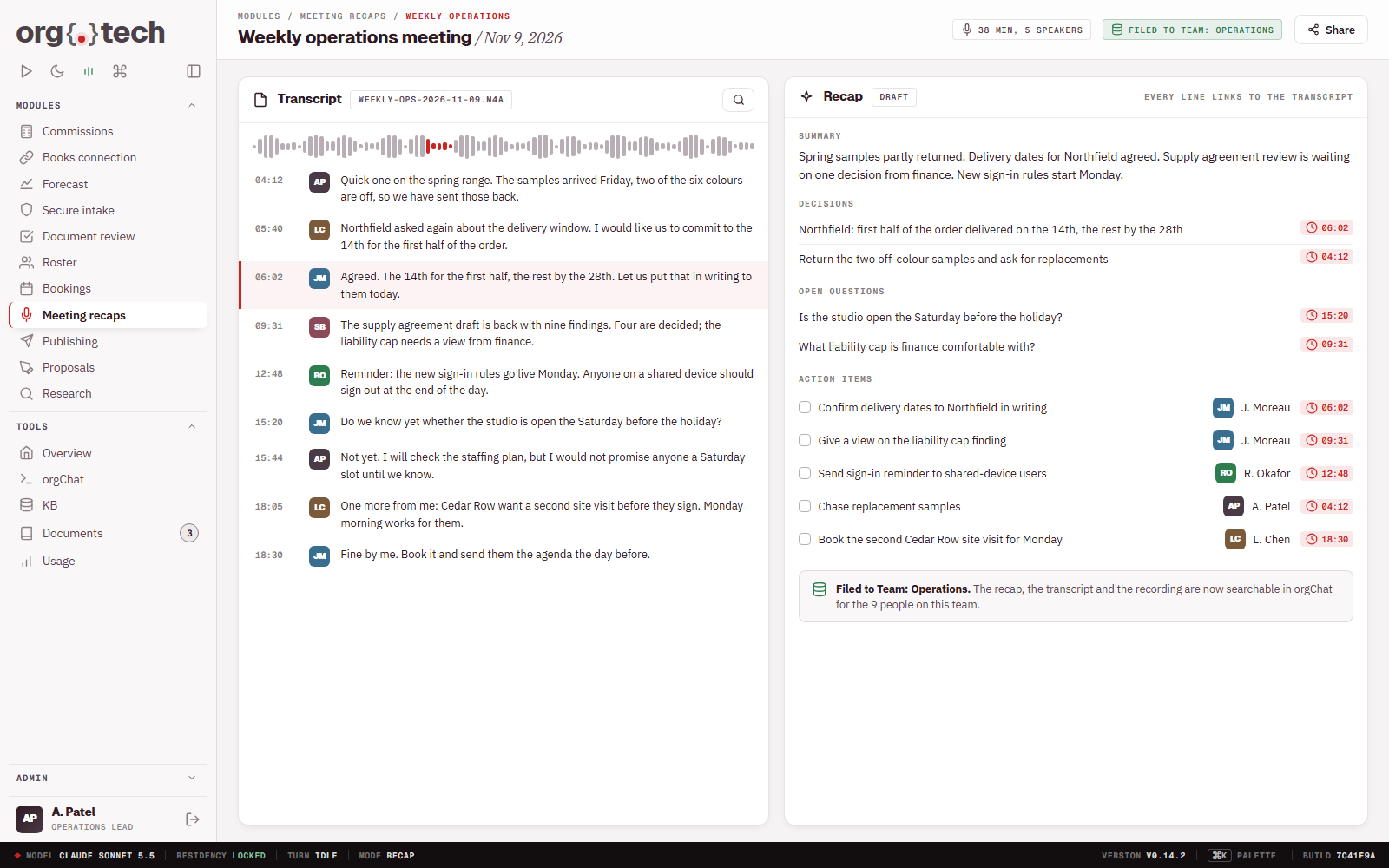
Meeting recaps.
Recordings become decisions and action items you can check.
- Upload a recording or transcript
- Summary, decisions, open questions and action items
- Each line linked back to the transcript
- Filed into the right knowledge set
Shared inbox triage.
A shared inbox sorted and drafted for, with a person replying.
- Incoming mail sorted by topic
- Draft replies for a person to approve
- Nothing sends on its own
- Handled mail filed
Screenshot to come
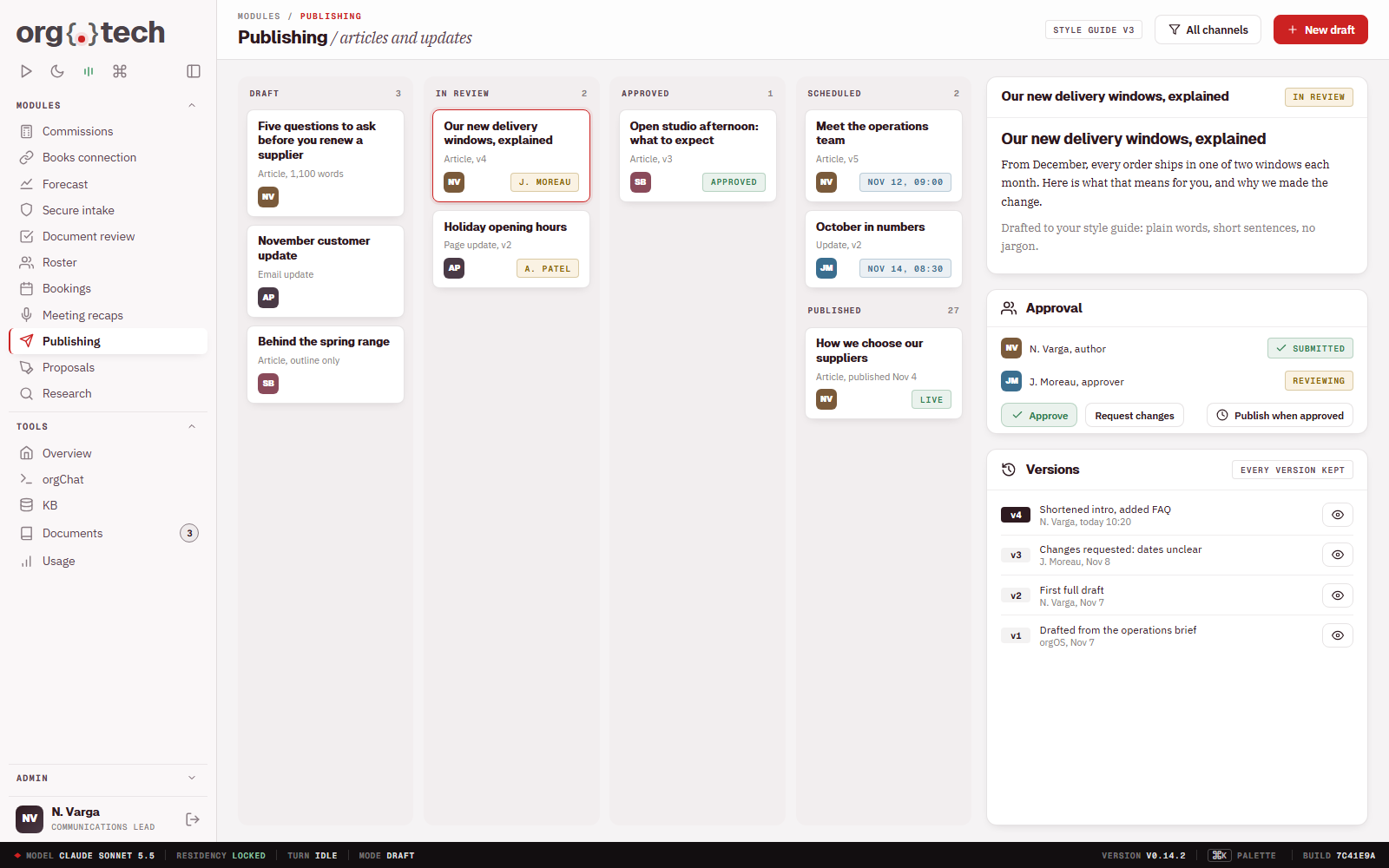
Publishing system.
From draft to approved release, with every step recorded.
- Drafts written to your style
- Review and approval before release
- Every version kept
- Published when you say
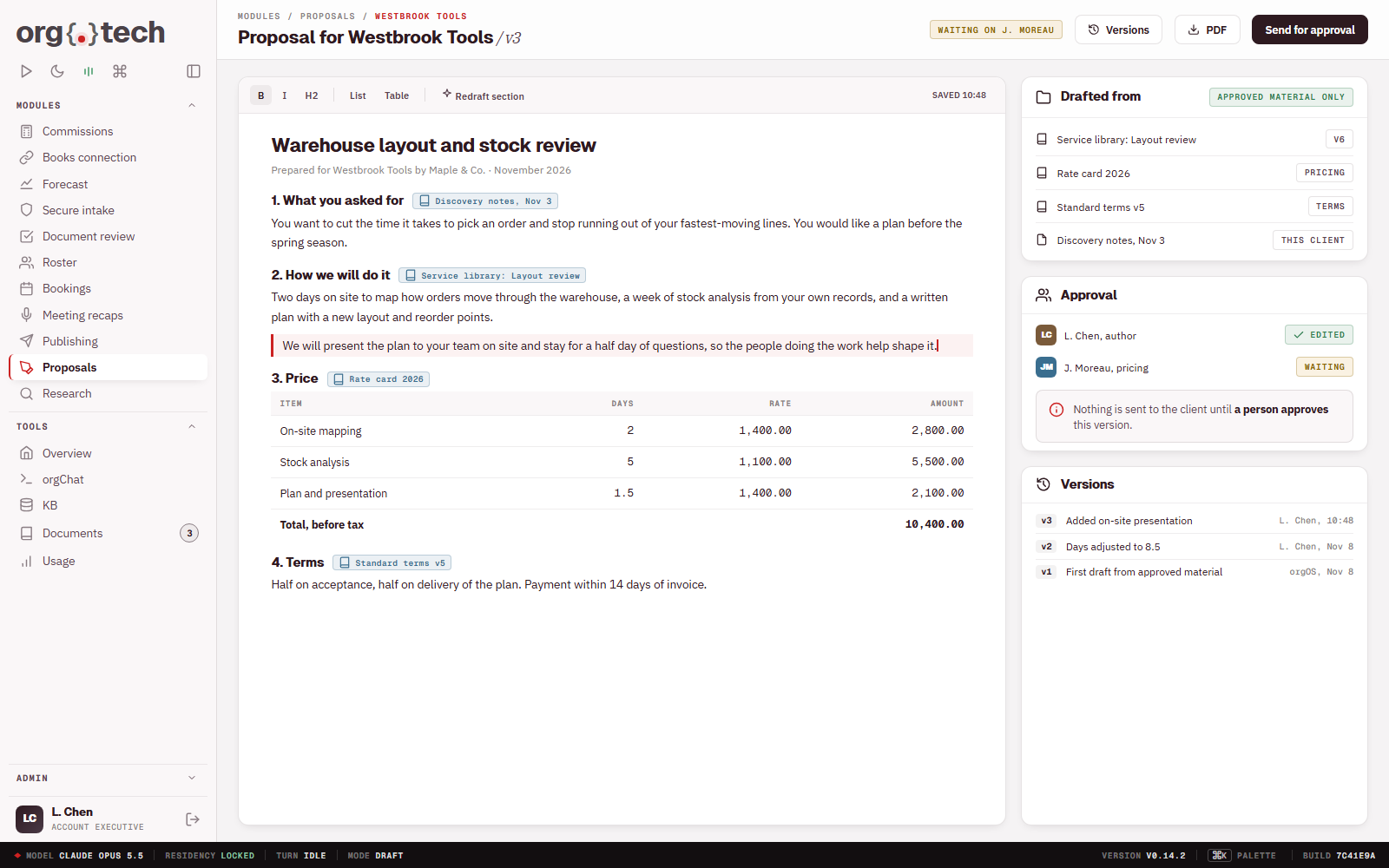
Proposal drafting.
Proposals assembled from your own past work.
- Drafts from your approved material
- Your pricing and terms
- A person edits and approves
- Every version kept
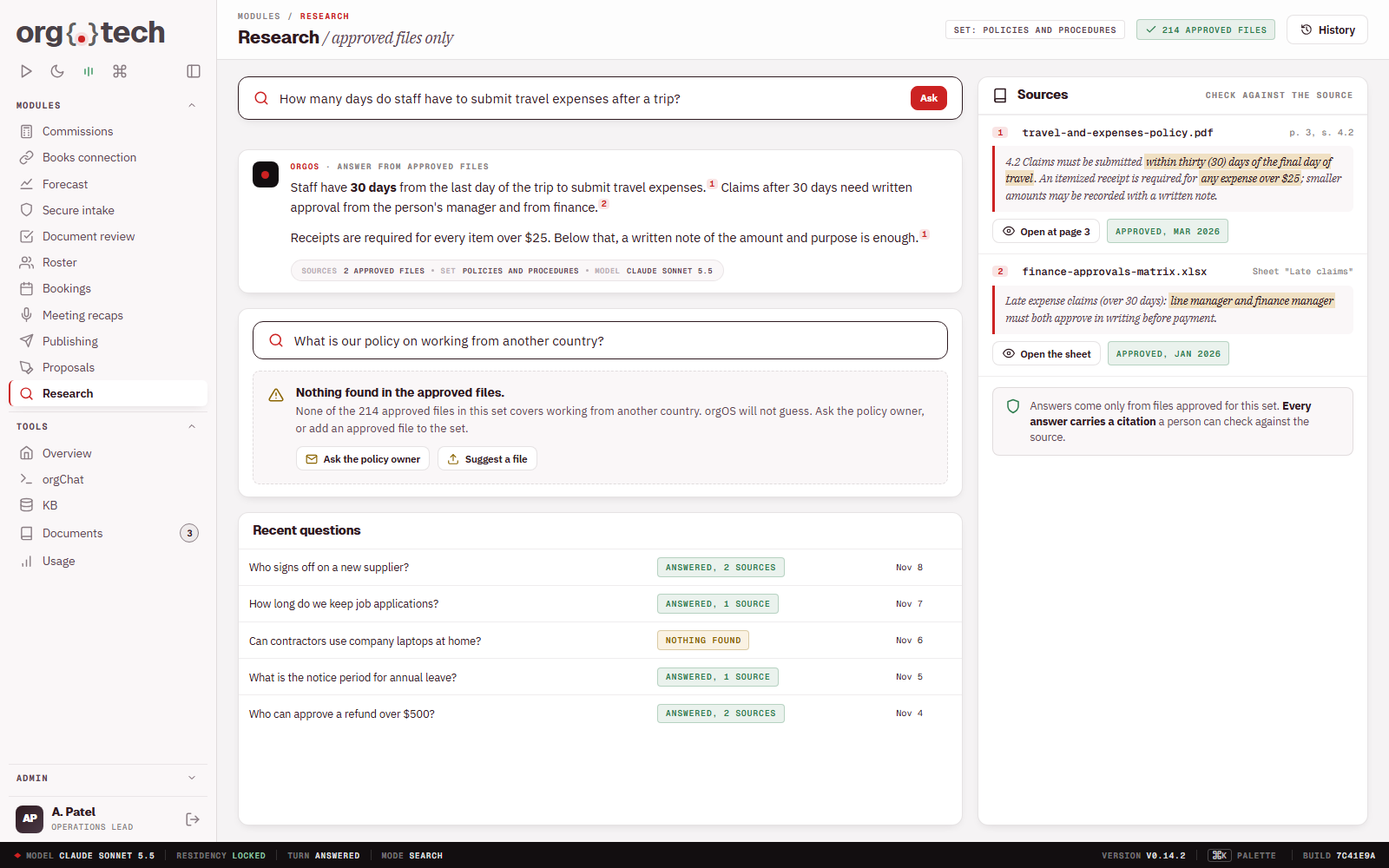
Internal research assistant.
Cited answers from the files you approve.
- Answers from approved files only
- A citation for every answer
- Says so when it finds nothing
- Staff check each answer against its source
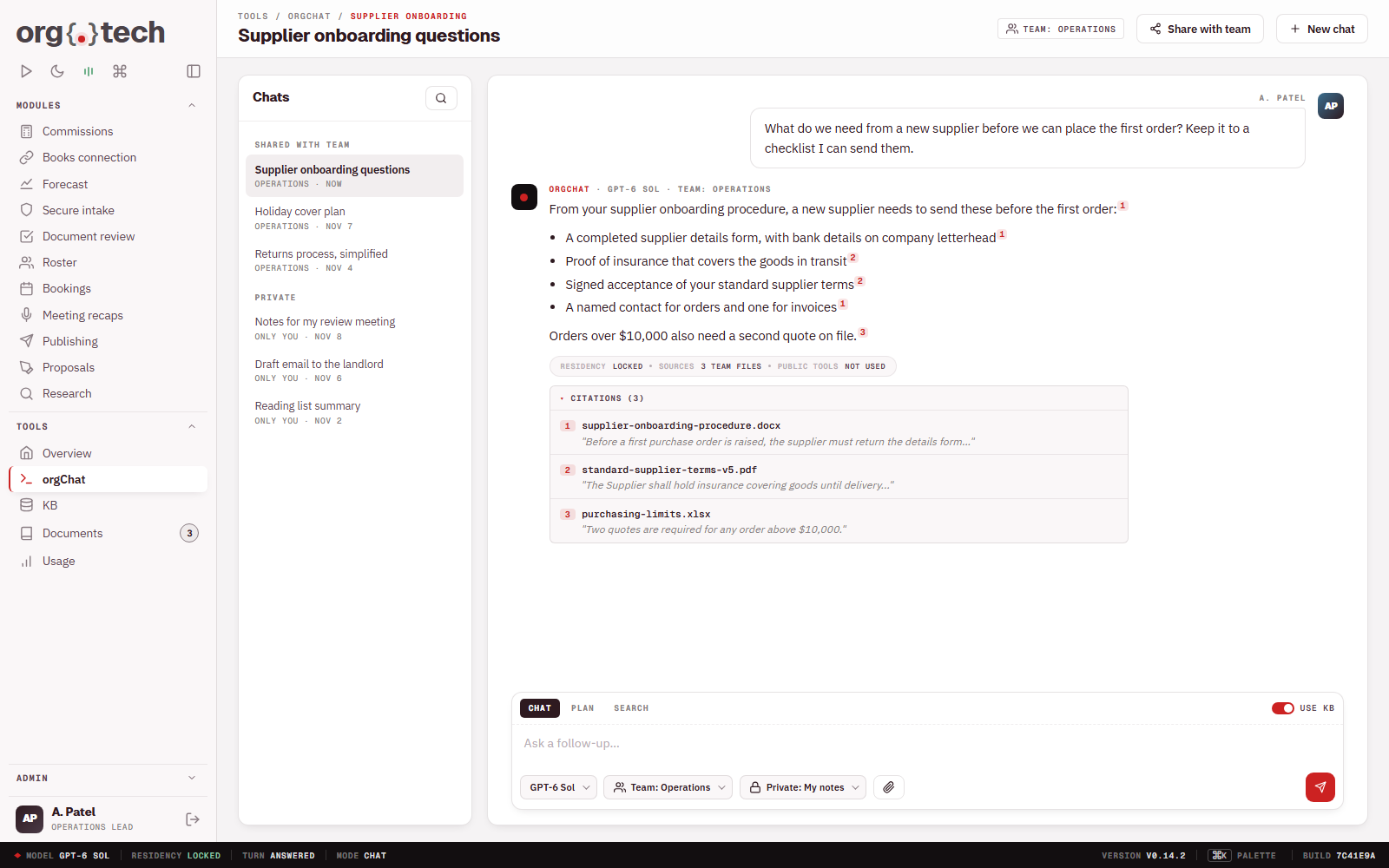
Private chat with all your documents.
The convenience of AI chat, inside your own governance.
- Chat over your own knowledge
- Shared by team or kept to one person
- Cited answers
- Nothing pasted into public AI tools
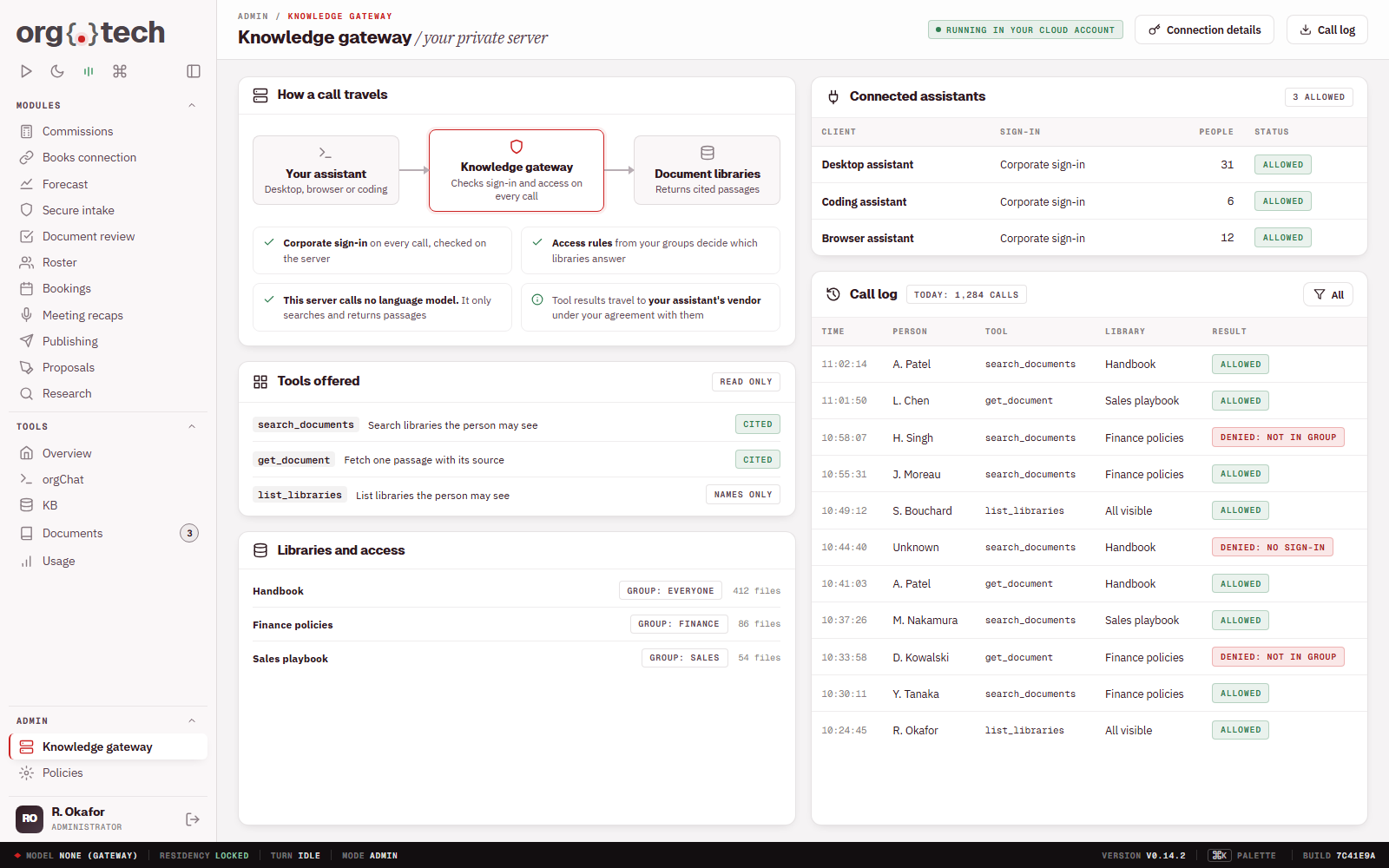
Private knowledge gateway.
The AI assistant your people already use, with governed access to your documents and data.
- A private server in a cloud account you own
- Your corporate sign-in and your access rules, checked on the server on every call
- Cited answers from your own document libraries
- The server calls no language model
- What a tool returns travels to your assistant's vendor, under your agreement with them
Staff onboarding guide.
New staff get answers and a checklist from day one.
- A checklist for each role
- Answers from your own policies
- Progress visible to the manager
- Updated as your policies change
Screenshot to come